Choosing The Right Device
It is HIGHLY recommended that you get accidental damage protection on your computer
NOTE: You will NOT need Office 365 for any assignments at CLHS
Your Windows or MacBook should meet these requirements:
- Have at least 256 GB of internal drive (SSD) storage
- Have 8 GB of memory (RAM) or more (16 is recommended)
- 13" is the recommended "standard" laptop screen size but you are free to choose whatever screen size you are comfortable with, knowing that going too much larger than 13" can seem oversized for classroom desks and bookbags
- Have an 8-hour battery life
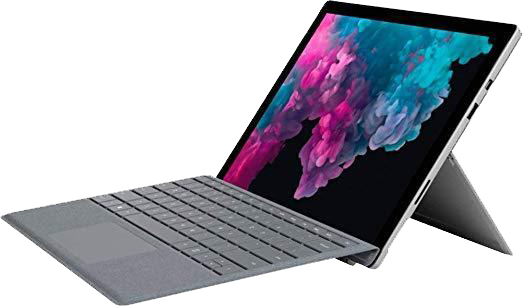
Windows 11 Computers Buy From Amazon
Advantages: Wide selection of manufacturers and prices, most software support, most 3rd party app support
Disadvantages: More prone to viruses
Tech note: I personally recommend getting a Windows computer because they support the most applications (Adobe Creative Cloud, C#, PLTW Kite, etc), have the most manufacturer selections, and widest price range.

Apple MacBook Neo - Click Here for pricing direct from Apple
Apple's new 2025 entry into the consumer-friendly MacBook. Not as powerful as the Air or Pro, but an excellent choice for the average computer user who wants a Mac
Advantages: More affordable Mac, long battery life, quality parts, ease of use, can run a Windows Virtual Machine
Disadvantages: Not as powerful as a MacAir or Pro, only 8GB RAM with no upgrade option
Tech note: This is Apple's first entry into a price-friendly MacBook. It gets great reviews, has a long battery life, and would be an excellent first computer for your incoming Cadet.
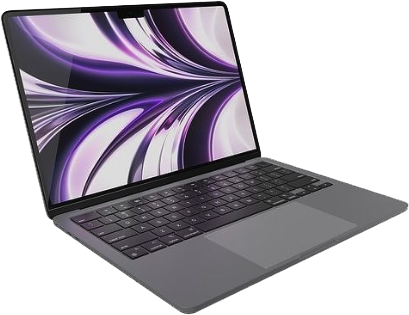
Apple MacBook (Air or Pro) - Click Here for best MacBook pricing direct from Apple
Advantages: Quality parts, ease of use, can run a Windows Virtual Machine, used by Concordia teachers
Disadvantages: Expensive
Tech note: Like Windows computers, Macs have downloaded application support so you will be able to run programs like Adobe Creative Cloud. While Apple's are quality products, there is not much variety so they are more expensive than comparable Windows computers and Apple does not offer much in the way of discounting their products.